Getting started in Xero
Rhellm & Qwantum Leap Pty Ltd
Rhellm has partnered with Qwantum Leap (epik.video) to generate video content using the secure epik integration with Xero.com.
In order to securely establish your user identity and business management processes, your sign up will be managed within the epik customer flow via an exclusive Rhellm accounting setup.
How is data from Xero used?
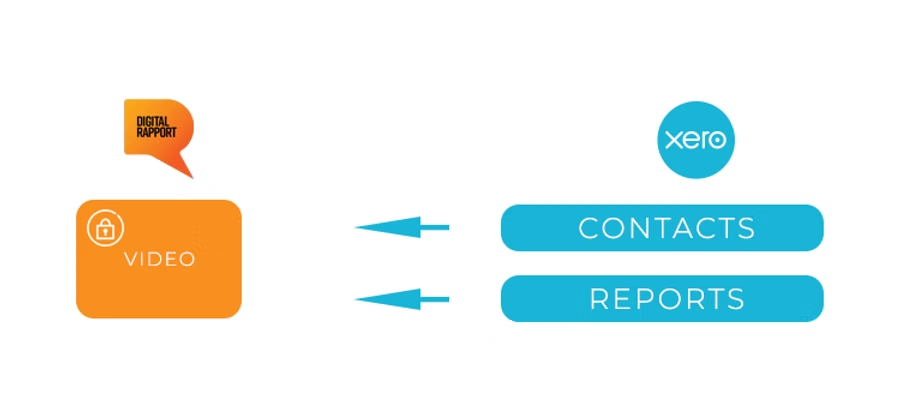
The flow below applies only to video tools that make use of the Xero API integration, for example Quarterly Financial Performance Reports.
Rhellm/epik does not store your clients' Xero data. It merely extracts and temporarily holds the information needed to make a video. Upon video completion, the information is then deleted from our systems.
Step 1: Create your Rhellm/epik account
Step 1 and Step 2 only need to be handled by you if you need access to your Xero data for video reports. Xero itself will prompt you to authenticate yourself to allow Rhellm/epik to establish a secure connection to your Xero account, much like standard reporting apps you may already use in Xero.
The Xero integration is a simple authentication flow with Xero and does not require you to make any additional adjustments, other than allowing epik to access Xero for the purpose of generating video reports.
If you simply want to use Rhellm/epik video products that do not require Xero data, we can help you complete this step as part of our concierge onboarding process.
Step 2: Complete your Rhellm/epik profile
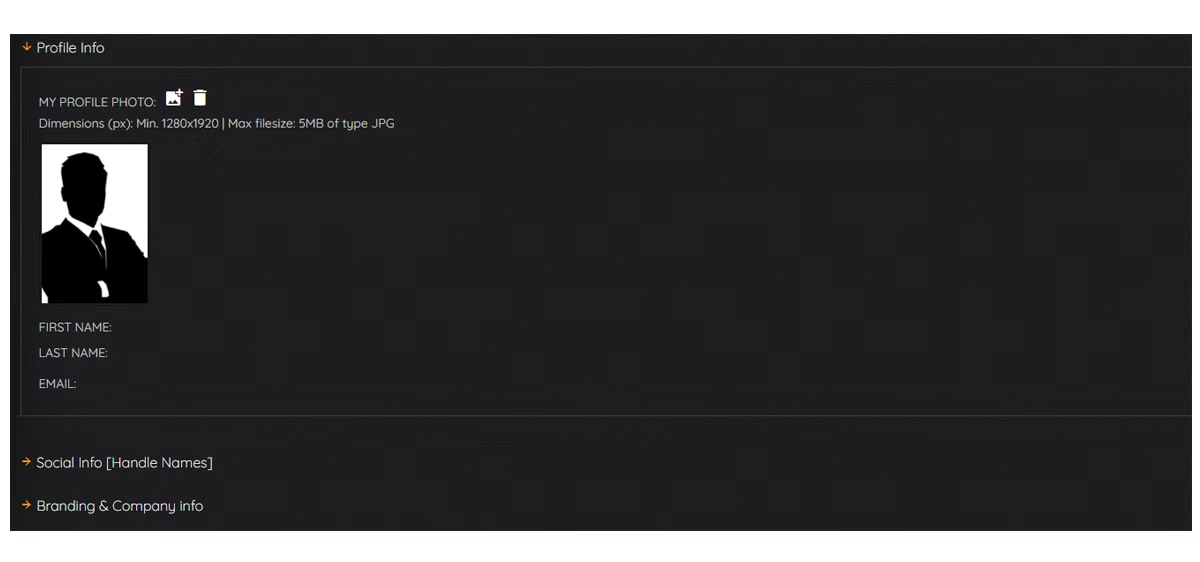
You will be asked by Rhellm/epik to verify your email address and once you have logged in, you will need to complete your profile. Simply fill in the required fields.
Please note you will need to upload a logo and profile picture of yourself, the format and dimensions of which are shown on your profile screen.
If you are unsure about anything, contact us at support@digitalrapport.com and we can help you complete the process.
What comes next?
You will be contacted by your Rhellm account manager who will provide you with training on how to make video reports. While the process is extremely easy, Rhellm likes to ensure you have everything you need in place to commence your journey into dynamic video.
FAQs
How do I disconnect from Xero?
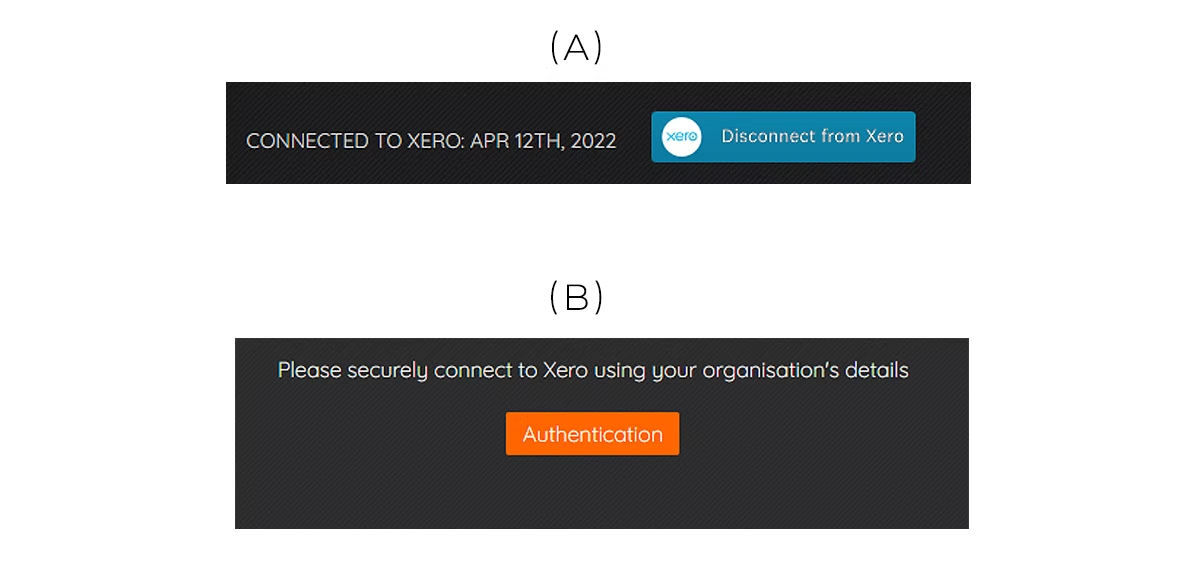
You can simply log in to your Rhellm/epik account and in the My Profile section, if you see the above image (A), simply click the disconnect from Xero button. You can reconnect any time you want.
Why can't I see the Xero button in my profile?
If the connection to Xero times out or is severed for any reason, you can simply reconnect when in the video maker by clicking the Authentication button as shown in image (B).
Who can see my customer's Xero Data?
Only you. Data is temporarily displayed so you can review it prior to committing it to video. Once the video is completed and you approve it, the Xero data is purged from our systems.